Your Mac just got
a little more alive
Cute 3D pals live on your desktop. They walk along your windows, play in the snow, build snowmen and react to everything you do — without ever getting in the way of your clicks.
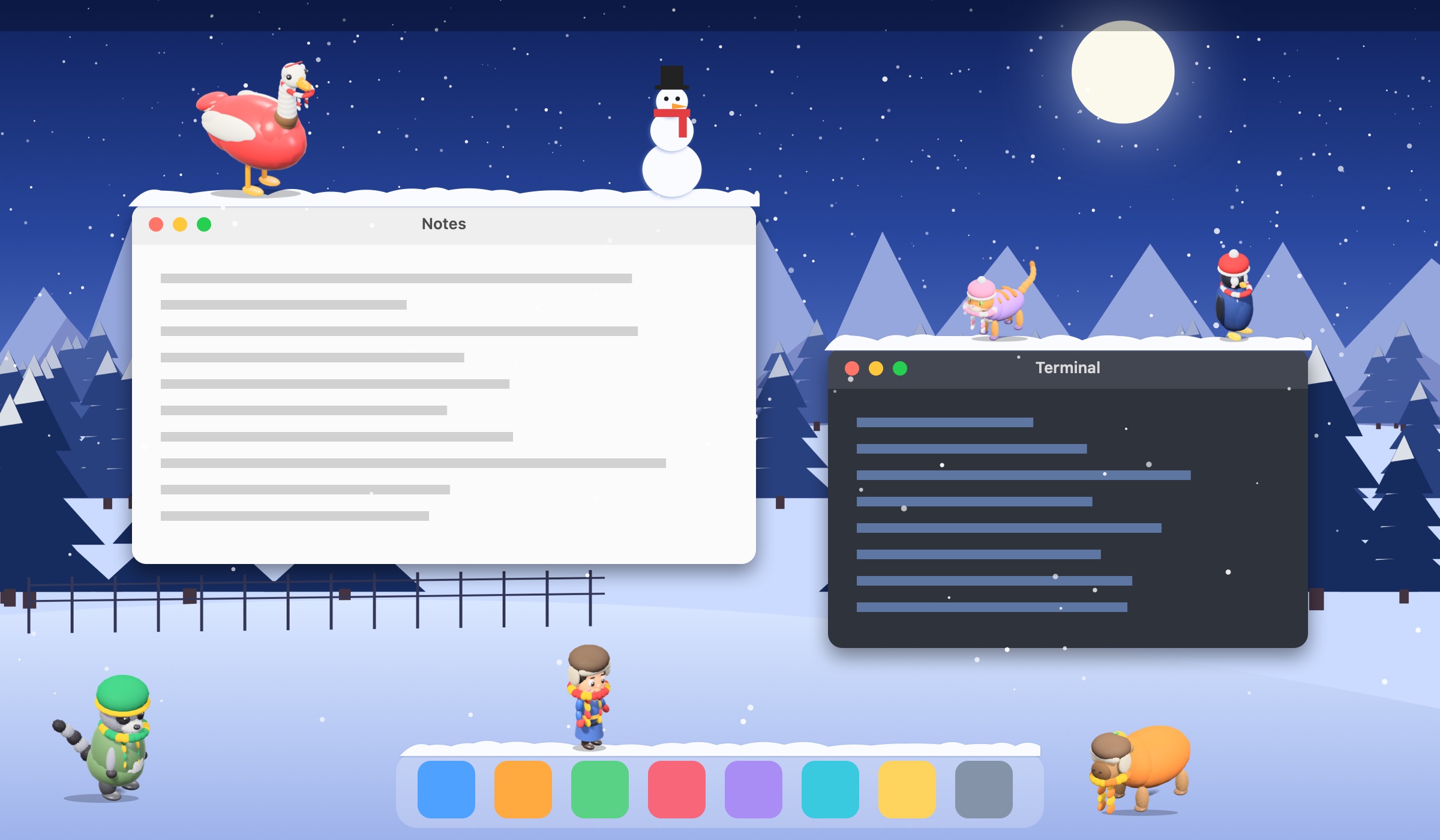
Cute 3D pals live on your desktop. They walk along your windows, play in the snow, build snowmen and react to everything you do — without ever getting in the way of your clicks.
Every pal has a personality, a memory and friends. And they really interact with your desktop.
Pals walk along window edges, the Dock and the bottom of the screen, jump between them and climb. Move a window and they wobble, hold on — or fall off.
Snow piles up on your windows and the Dock. Drag a window gently and it stays; jerk it and the snow slides and falls onto the windows below. Pals leave footprints.
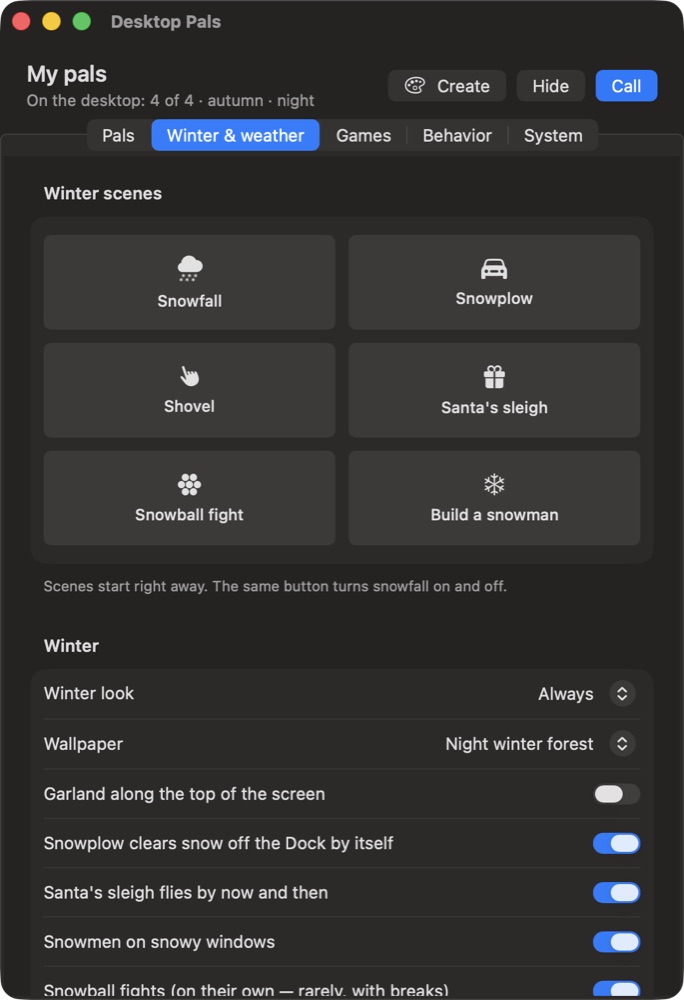
Pals build snowmen, throw snowballs, and a tiny snowplow clears the Dock. Santa's sleigh flies by, a garland glows along the top, and two hand-made winter wallpapers set the mood.
The goose steals your cursor, the raccoon sneaks up on it, the penguin trips over, the robot glitches. Pals make friends, remember how you treat them and get moody.
Six mini-games right on the desktop, traditional games from Central Asia, and a football show. Games start only when you ask — everything else stays clickable.
Snow in winter, leaves in autumn, petals in spring, confetti on holidays. Turn each effect on or off, or let the calendar decide.
Pick a base, a color, eyes, clothes and a voice. Pals earn levels and unlock accessories — hats, crowns, flower crowns.
Drawn on the GPU. On battery and in Low Power Mode the frame rate halves automatically, and pals hide in full-screen apps.
No account, no analytics, works offline. Everything pals remember stays on your Mac.
Desktop Pals lives in the menu bar. One window, five tabs — no manual needed.
21 characters in the box, each with their own moves, voice and habits.
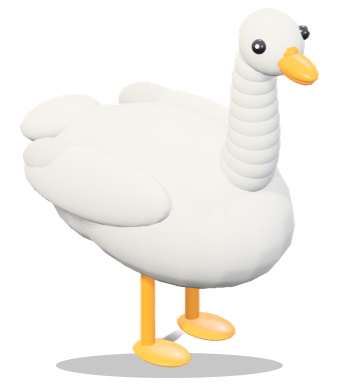 Goosesteals your cursor
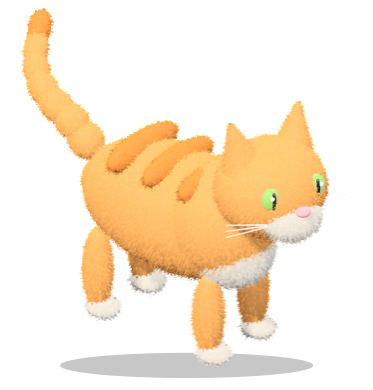 Kittypounces on it
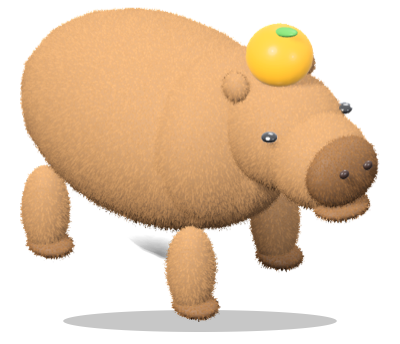 Capytotally chill
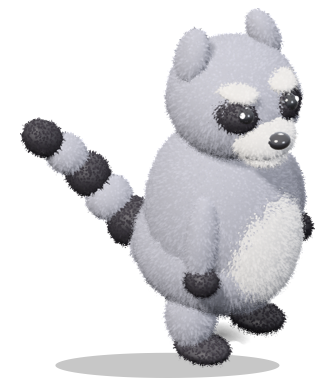 Raccoa little thief
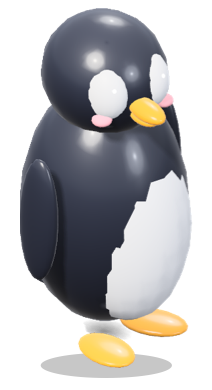 Pingobelly slides
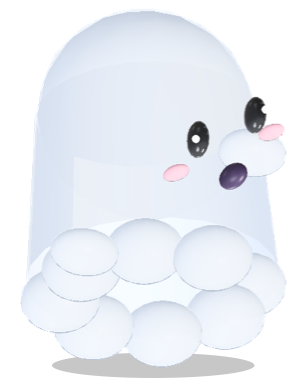 Boosays “BOO!”
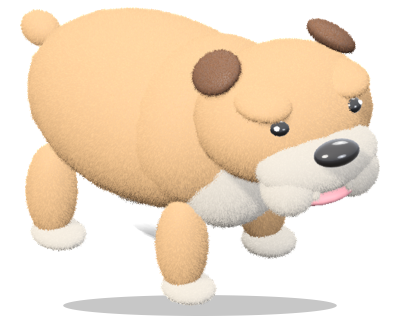 Bobbysnores loudly
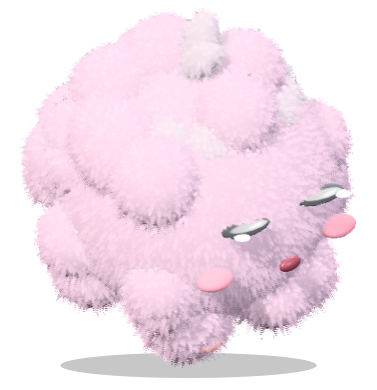 Fluffybounces around
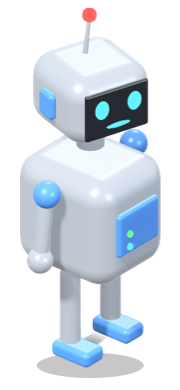 Boltglitches, reboots
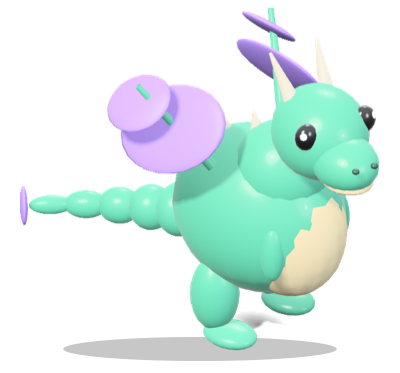 Dragopuffs fire
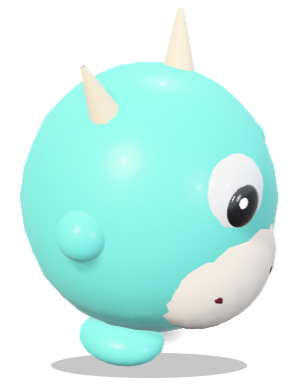 Mimochanges color
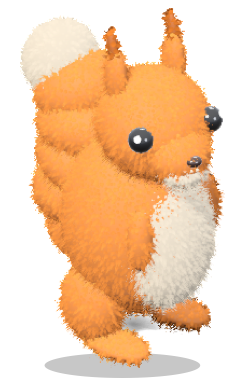 Nuttyhides acorns
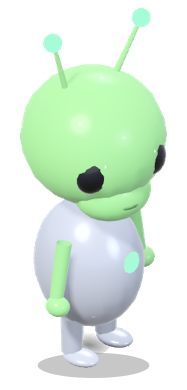 Zibophones home
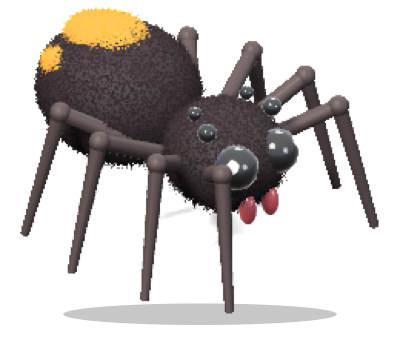 Webbyspins webs
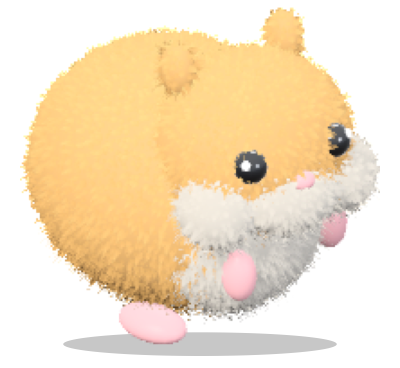 Homastuffs its cheeks
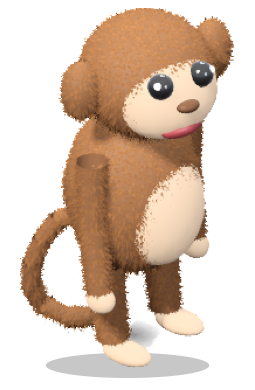 Chikiswings on windows
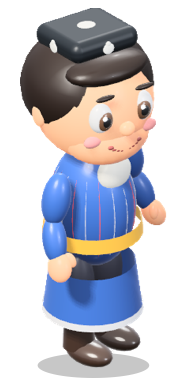 Langalanga master
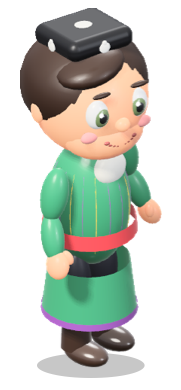 Lamkathe server
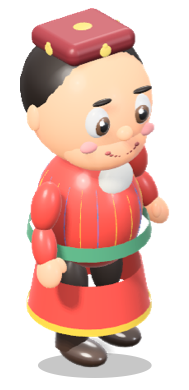 Alchikknucklebones
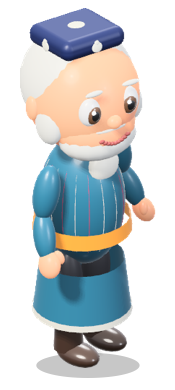 Charkhspins the top
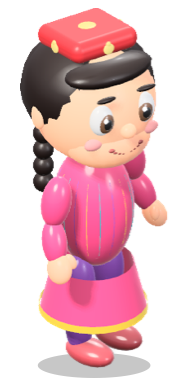 Sangakfive stones
No subscription, no ads, no account. Message us on Telegram — we'll send payment details and your license key right in the chat.
Buying: tap a button, write “1 Mac” or “5 Macs” to on Telegram. Prices in US dollars. If Desktop Pals doesn't work on your Mac, write to us within 14 days for a full refund.
Any Mac with macOS 15 Sequoia or later — both Apple Silicon (M1 and newer) and Intel.
Pals are drawn on the GPU with a small budget. In “Auto” mode the frame rate halves on battery and in Low Power Mode and drops further if the Mac gets hot. Pals hide in full-screen apps. You can also pick “Battery saver” yourself.
No. Clicks always go through to whatever is underneath. There's “Do not disturb for 1 hour”, Focus Mode (pals stay calm and quiet), and you can keep pals on the desktop only, below your windows.
It's optional. With it, pals can also jump onto Dock icons, desktop icons, widgets and window tabs. Desktop Pals only reads the position and size of those items — never their names or what's inside your windows. Without the permission pals still walk on windows, the Dock and the bottom of the screen.
After you pay, you get a message with a key that starts with DPALS- and a one-click activation link. Paste the key into the window that opens on first launch. Activation works offline.
Yes. On the old Mac choose License… → Remove key from this Mac in the menu, then enter the same key on the new one.
No accounts, no analytics, no tracking. The app only checks our website once a day for a new version. Read the privacy policy.
Not yet — Desktop Pals is made for macOS.